

1. Generate
Prompt, upload, remix, or enhance in the sticker generator. Credits pay for that — not for opening Studio.
Stickery Studio · Beta
Edit the art. Own the cut.
Make a sticker in the generator, then open it here. Paint, add type, and change the die-cut — the same path the cutter follows — before you order STICKERLY™ vinyl.
The editor needs a larger screen (about 920px wide). Phones can read this page; open Studio on a laptop or desktop.
1024 sheet

After you generate
Studio is not a second generator. It opens a sticker you already have so you can change the drawing and the cut. Same flow as how Stickery works.
Prompt, upload, remix, or enhance in the sticker generator. Credits pay for that — not for opening Studio.
1024 sheet
Paint, add type, and move the die-cut so the cutter follows what you actually want.
Save, then print. See pricing for credits and vinyl.
In the editor
The generator already drew the sticker. Add paint, text, and shapes. Erase returns to paper white. Remove background if you want a cleaner edge.
Die-cut tips (contrast, connected shapes, size) are in the Design Guide.
1024 sheet
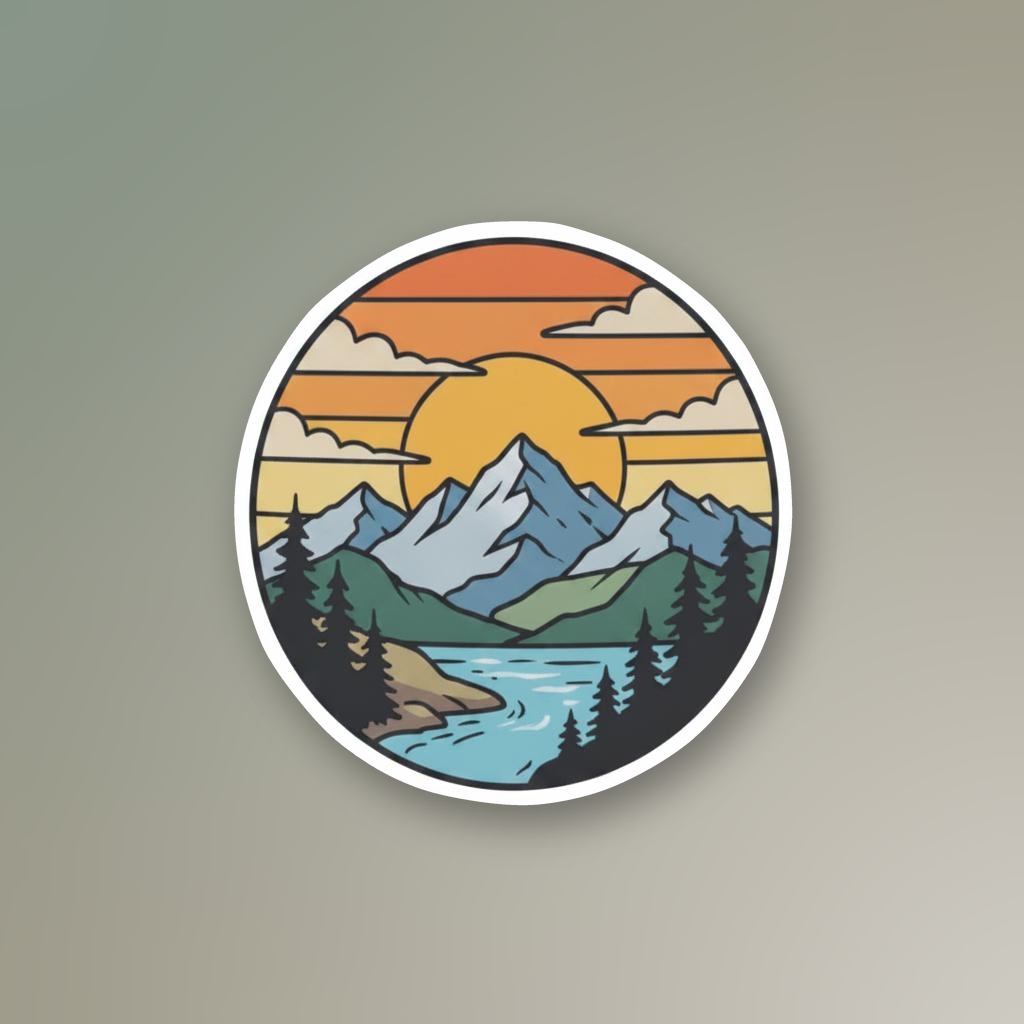
Generation already made a cut contour — the kiss-cut the shop follows. Scale it out or in, move points, or start from a circle or rounded square. Rebuild will not overwrite a cut you already edited unless you ask.
1024 sheet
Scale · out / in
Save updates the print file. Cart waits so you do not buy the old cut. Then order STICKERLY™ the same way you would from My Stickers.
Credits and vinyl sizes are on pricing. Shipping is in the FAQ.
How it works
Questions
A desktop editor for stickers you already generated. You can paint, add type, and change the die-cut before you order STICKERLY vinyl.
The generator makes the sticker. Studio edits that sticker. It does not prompt a new design.
Pretty much. Make one in the generator (or upload), then open it from your library on a laptop or desktop.
No. Generating uses credits (new accounts get 30). Opening Studio does not. Printed vinyl is priced separately.
Not yet. You need about 920px of width. This page is fine on a phone; the editor is not.
Ones you own. If you shared it or already ordered it, save makes a new copy. Some older library files will not open.
The real path the cutter follows — not a preview. Move points, rebuild it from the art, or start from a circle or rounded square.
Yes. Save first so the print file updates. Cart waits on that, then you order like any other sticker.
Credits, shipping, and vinyl: full FAQ.
Keep going
Desktop beta
Works on a desktop for stickers you own. If you do not have one yet, generate first.